Adobe Suite Examples
Examples Of Work Created Using The Adobe Suite
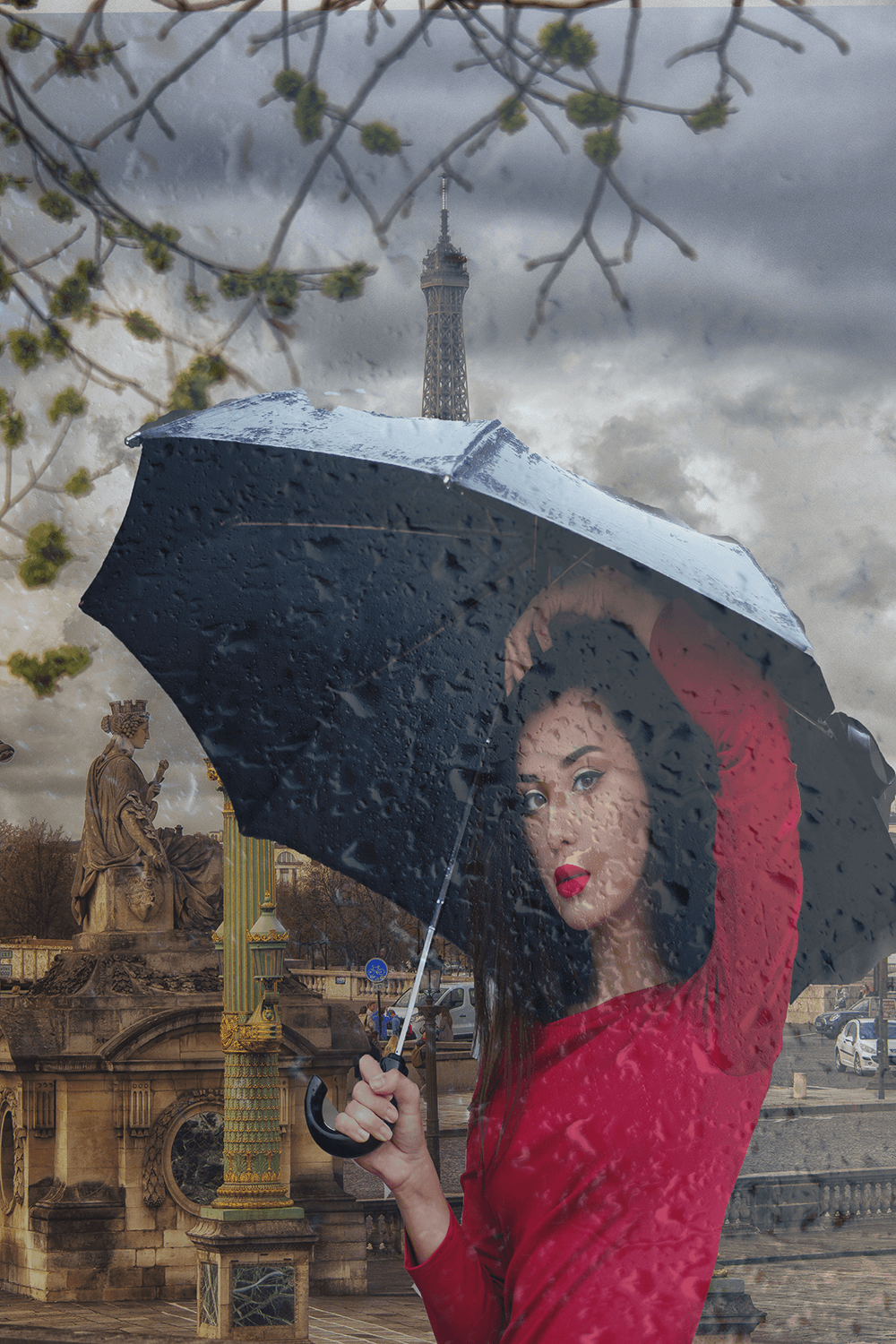
This Parisian scene is a result of several layers combined using Adobe Photoshop. The image of the woman with an umbrella was a stock image. I removed the background and added her to the Paris scene. The raindrop overlay reinforced her need for an umbrella.
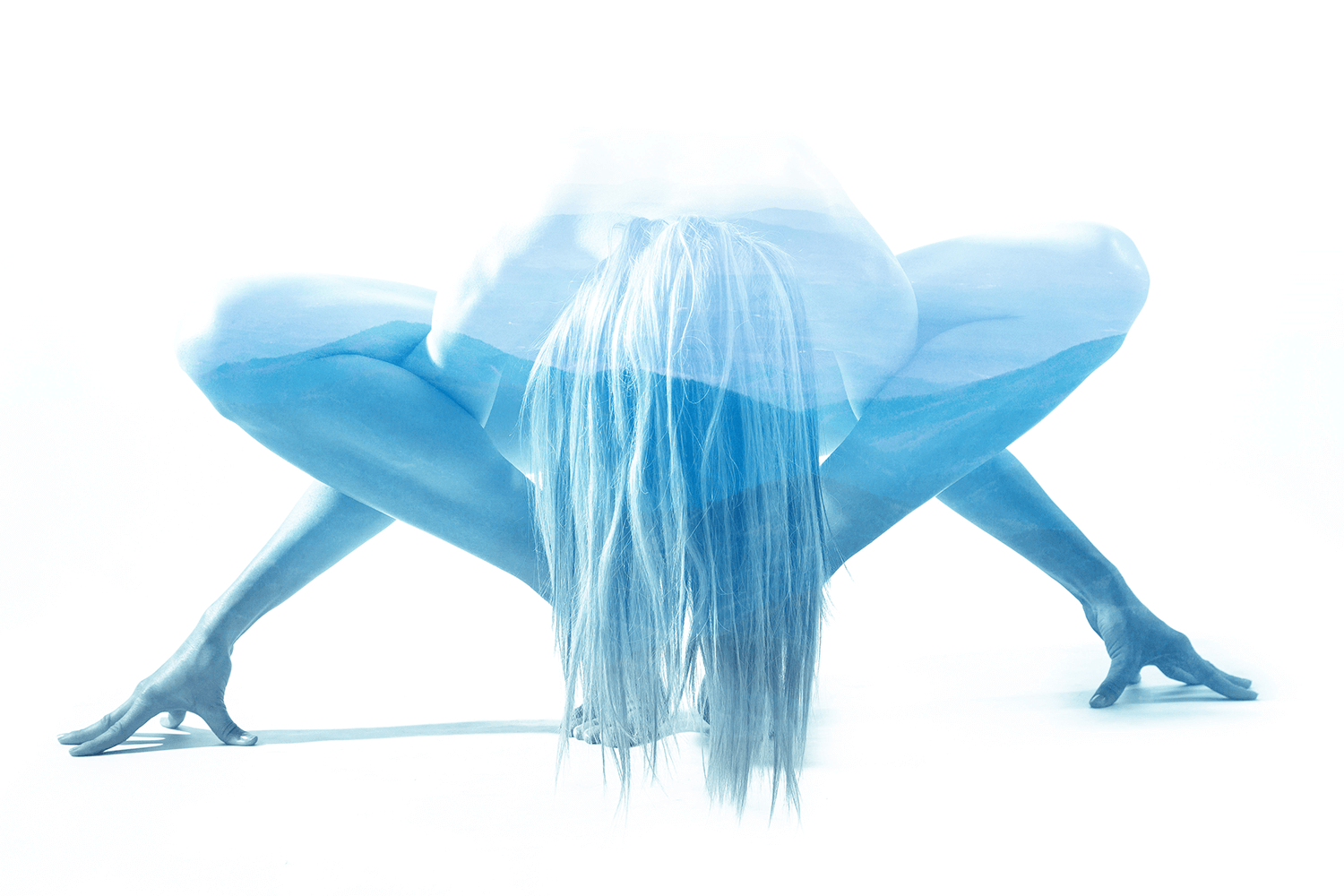
I found the image of the model in a yoga pose on a stock image site. I then combined the image with one of my images of the Blue Ridge Mountains. I love the serene way this image works.
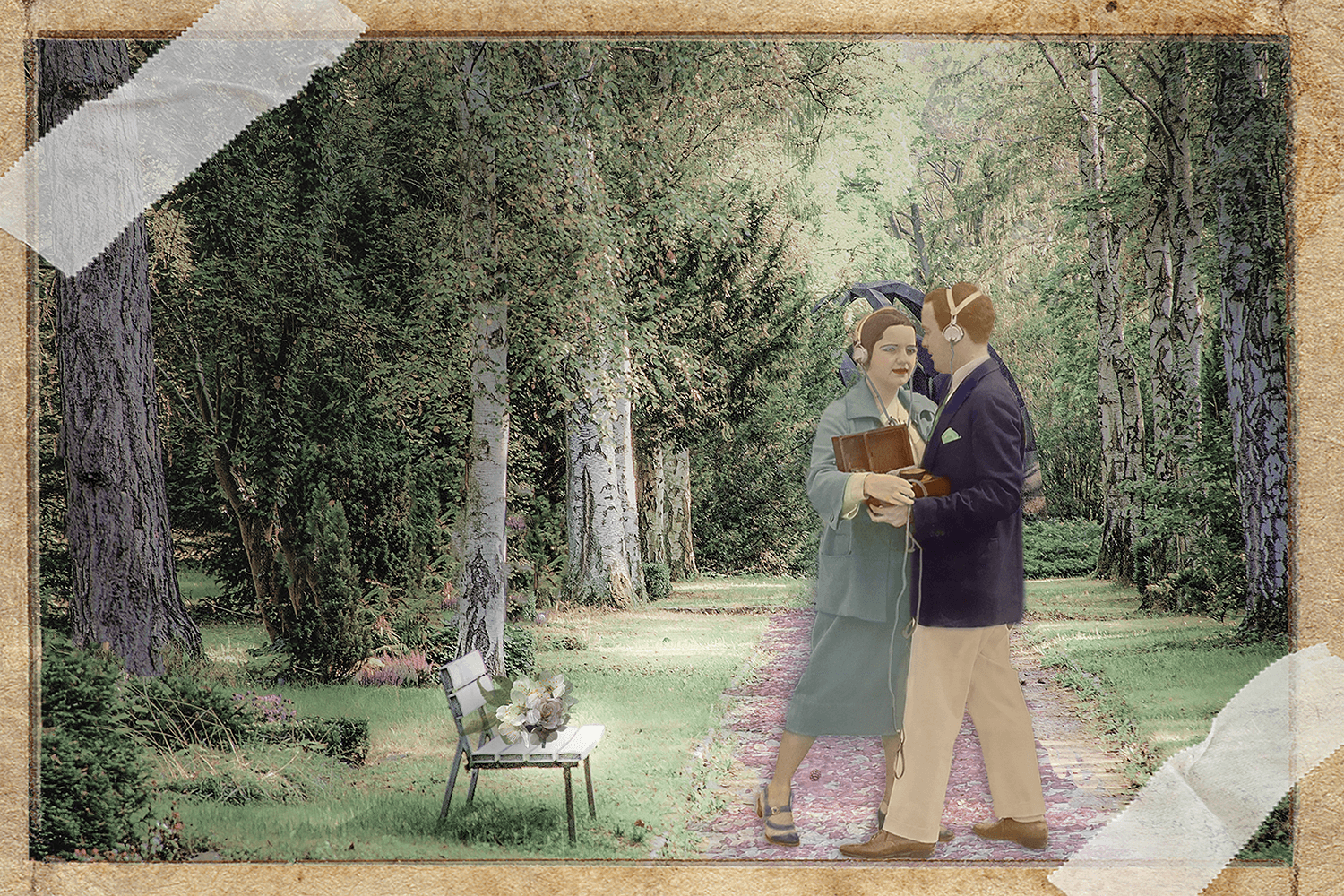
This colorization composite image was a fun project to undertake. I found the photograph of this couple on the Library of Congress’ free image page. The couple was cut out from the original scene, colorized and added to the background. The background is a composite of several layers and was originally an image of a graveyard. I love the vintage, romantic feel.
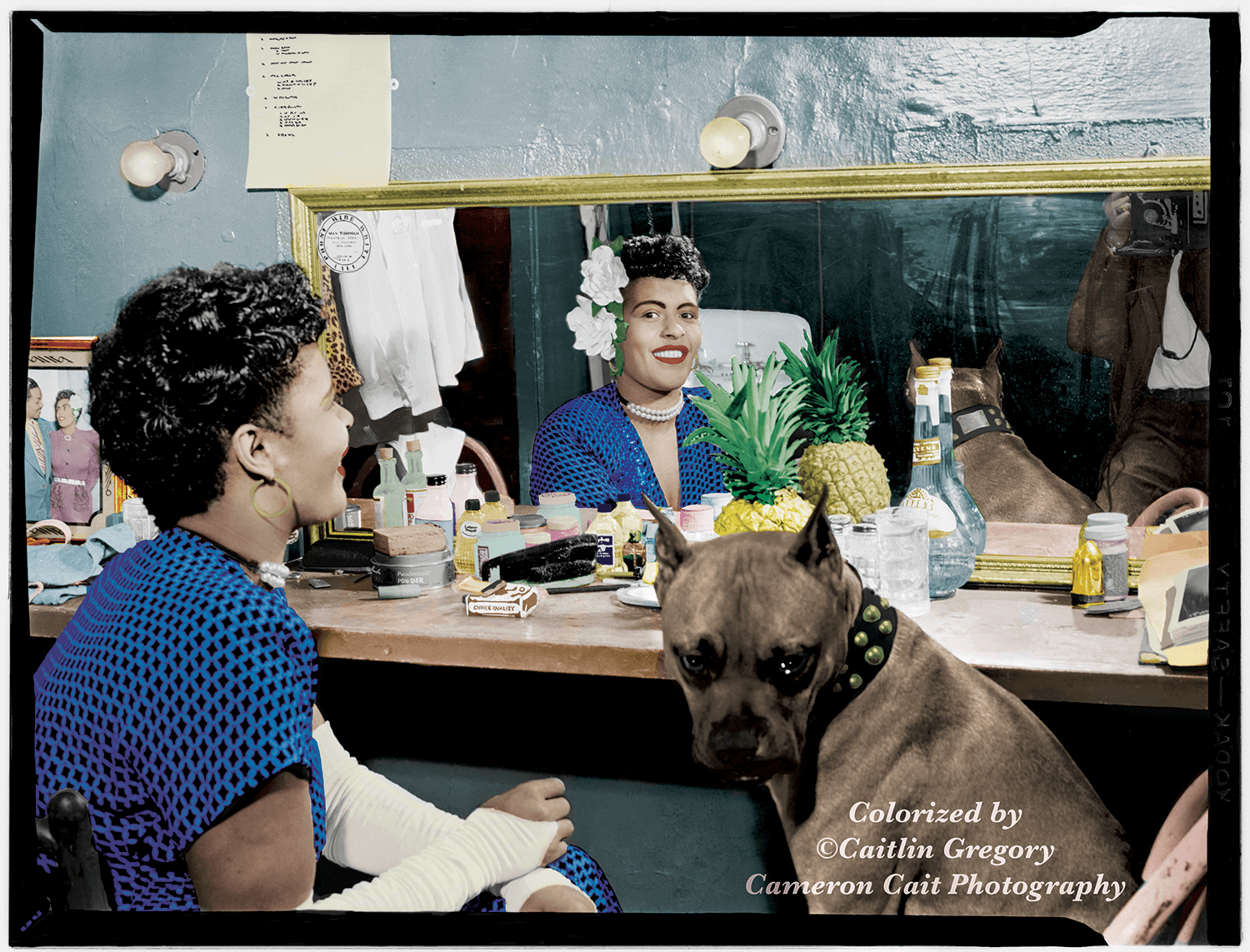
This colorized photo of Billie Holiday in her dressing room took me numerous hours. I had to select and color each individual item in the scene. I even colorized the photo on her dressing room table. It was labor-intensive, but I was so proud with the way it turned out.
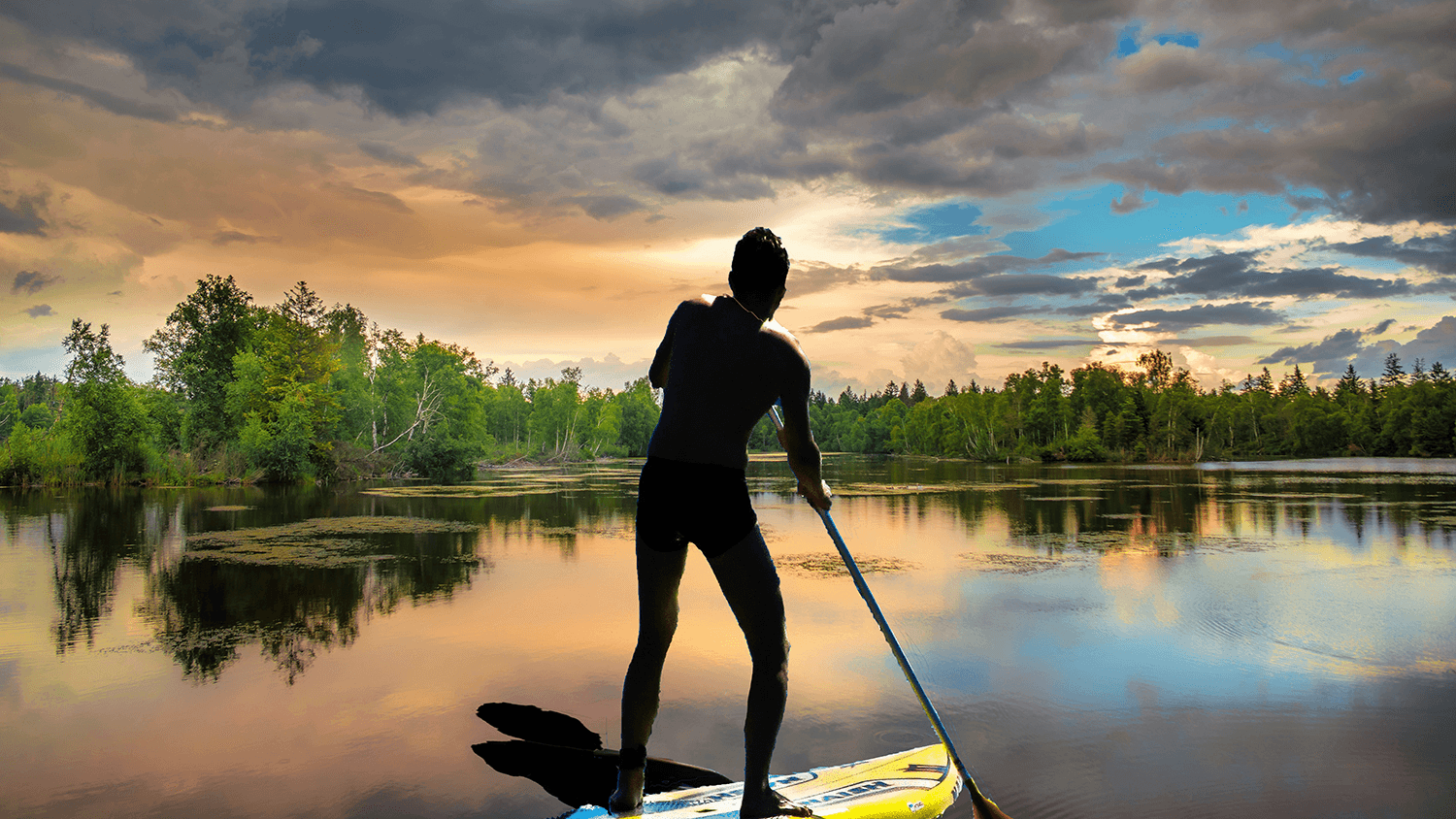
This is a composited image of a paddle boarder. I quick-selected the image of the paddle-boarder and transferred it to this image of a serene body of water. I then put a drop shadow to make the image appear a bit more realistic.

This was my first experiment with composite imaging using my own photos. While the gloves, globe and snowy background are from multiple stock images, the rest are from images I took. The cardinals that adorn the base of the snow globe, The Church of the Frescoes in West Jefferson, NC and the snow in the globe are all images that I took.
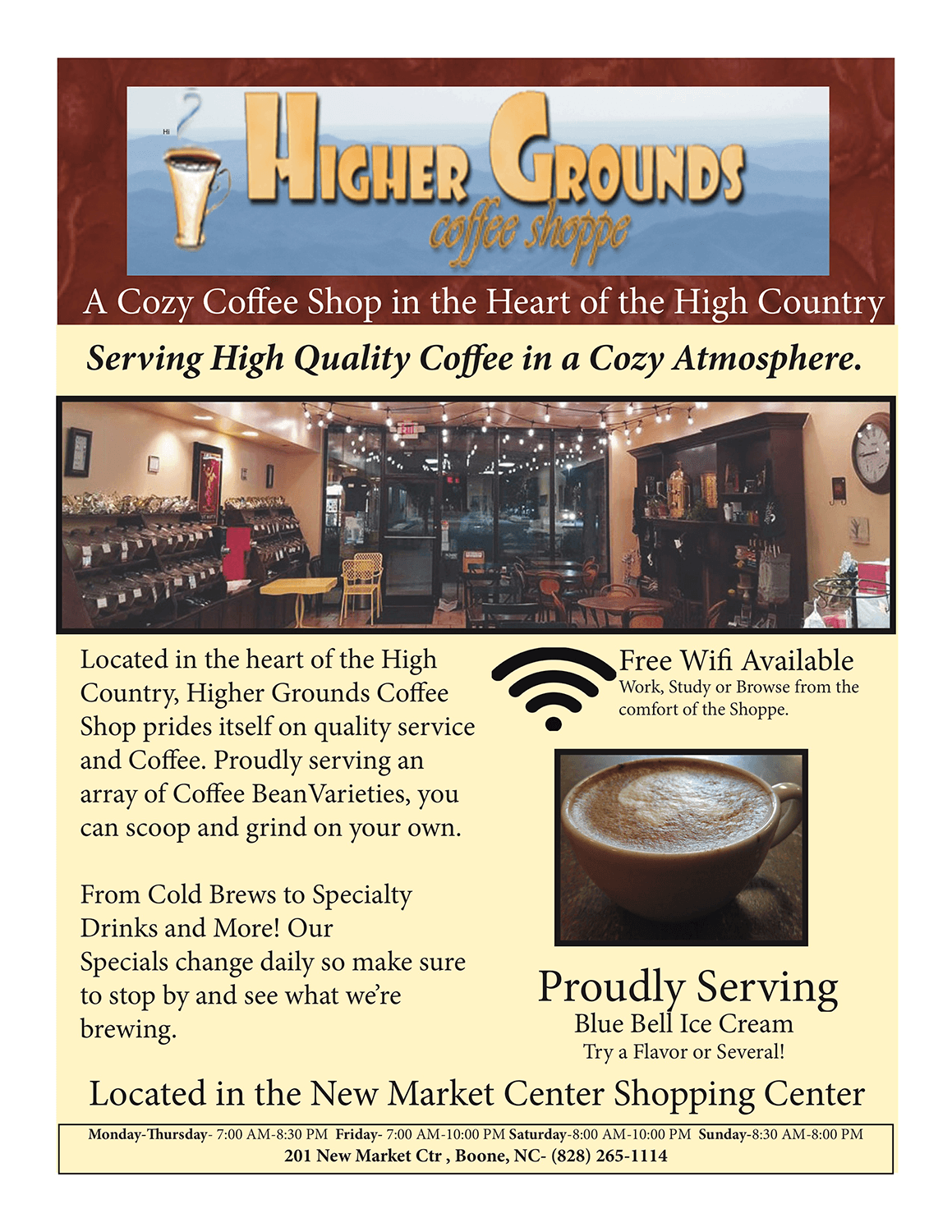
This was a flier I did for a local coffee shop in Boone, N.C. I went on to create a new website design for the shop. Want to see how I did it?

This was just a fun media publishing project that I took and ran with. With all the trends that we encounter today, I decided to mock it a bit and personalize it for a much younger audience. These are all stock images that I composited into the final image.
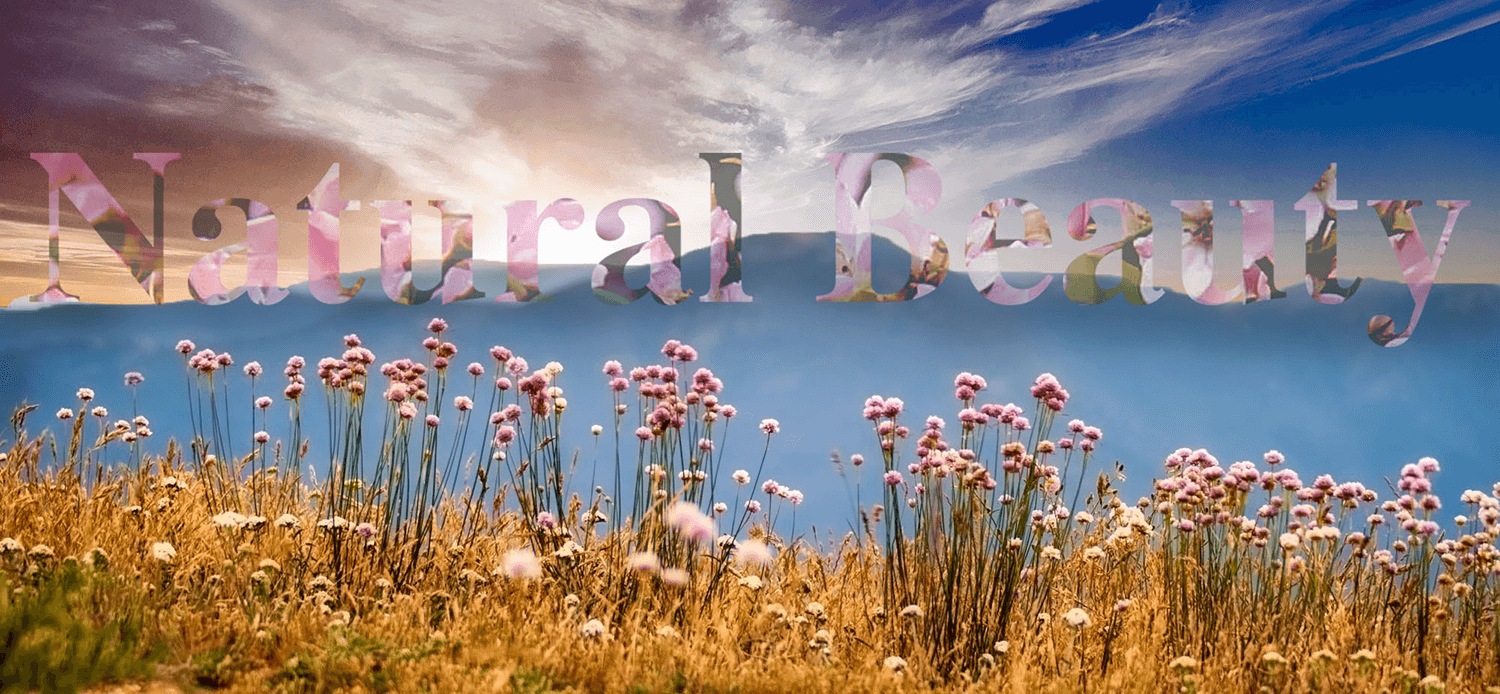
A composite image I made for a media publishing course. I used the text wrap option to continue the flower scene throughout. The wildflowers and the mountains are similar to what I got to see everyday when I lived in the mountains.
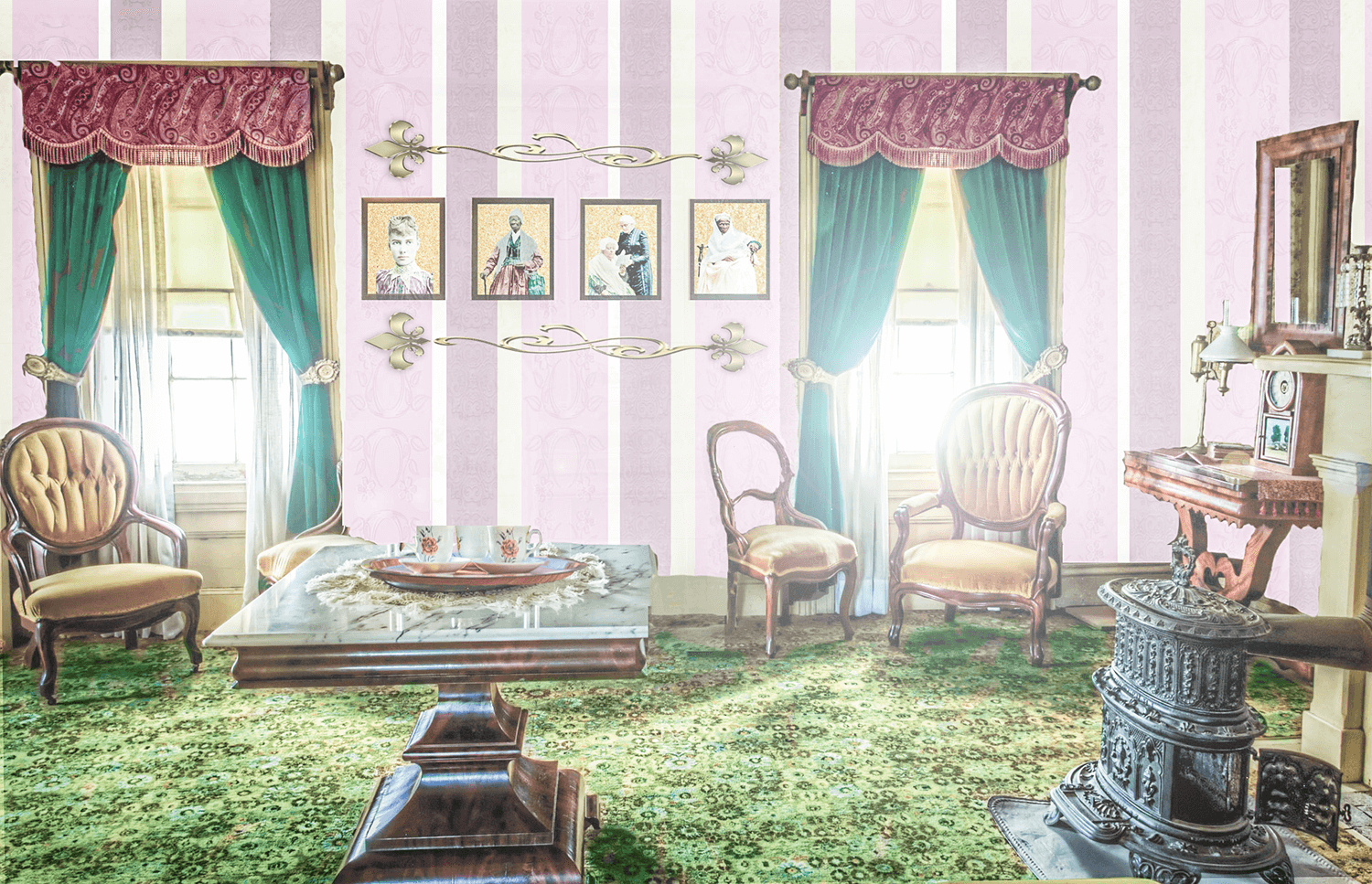
This was my final project for my digital retouching course. I created the wallpaper and added texture and design. The frames contain colorized photos that I did individually.
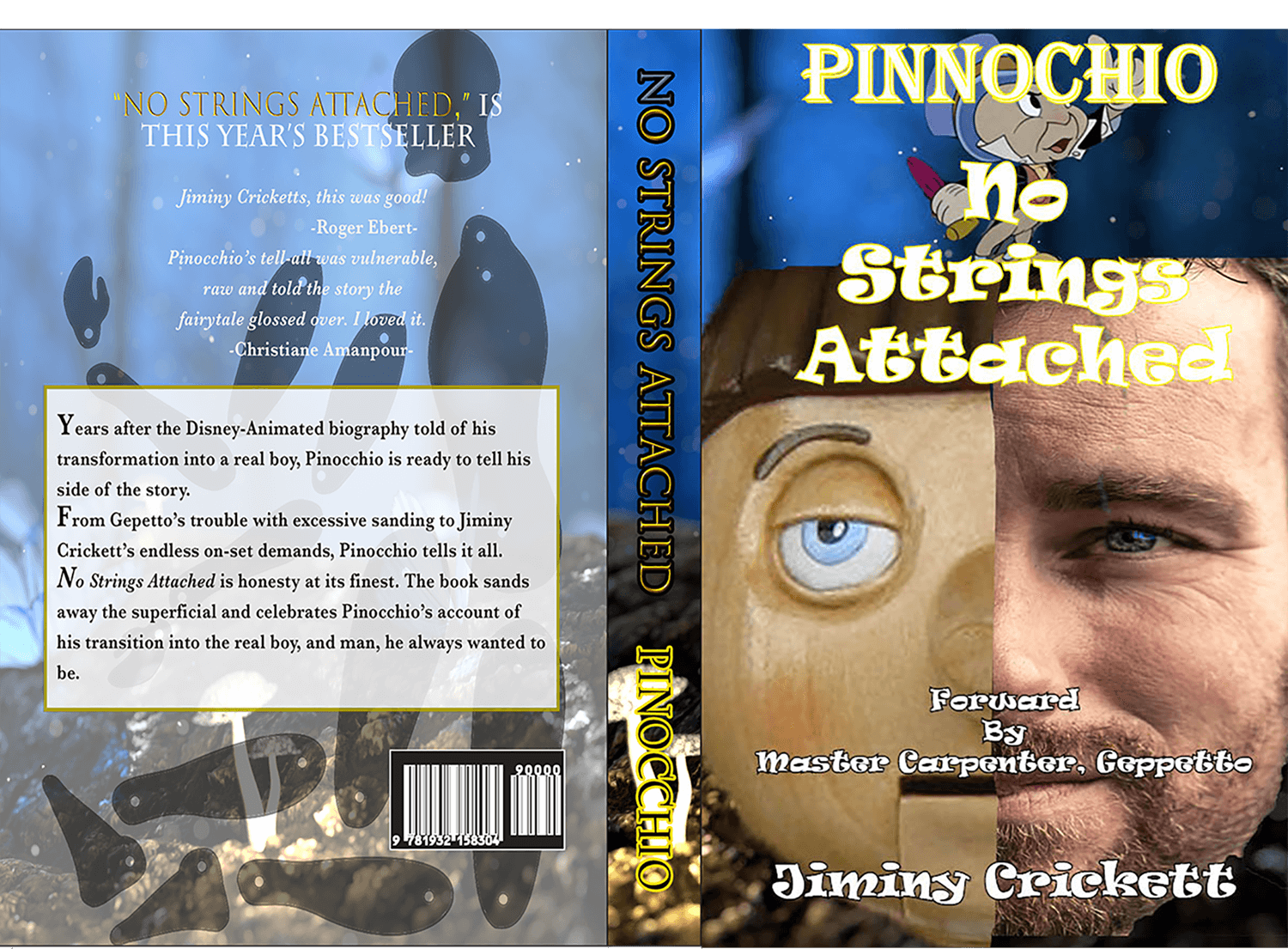
This book cover was created for a media publishing course. The book cover was constructed from scratch utilizing Adobe Photoshop. The course taught me how to utilize most of the Adobe Creative Suite.
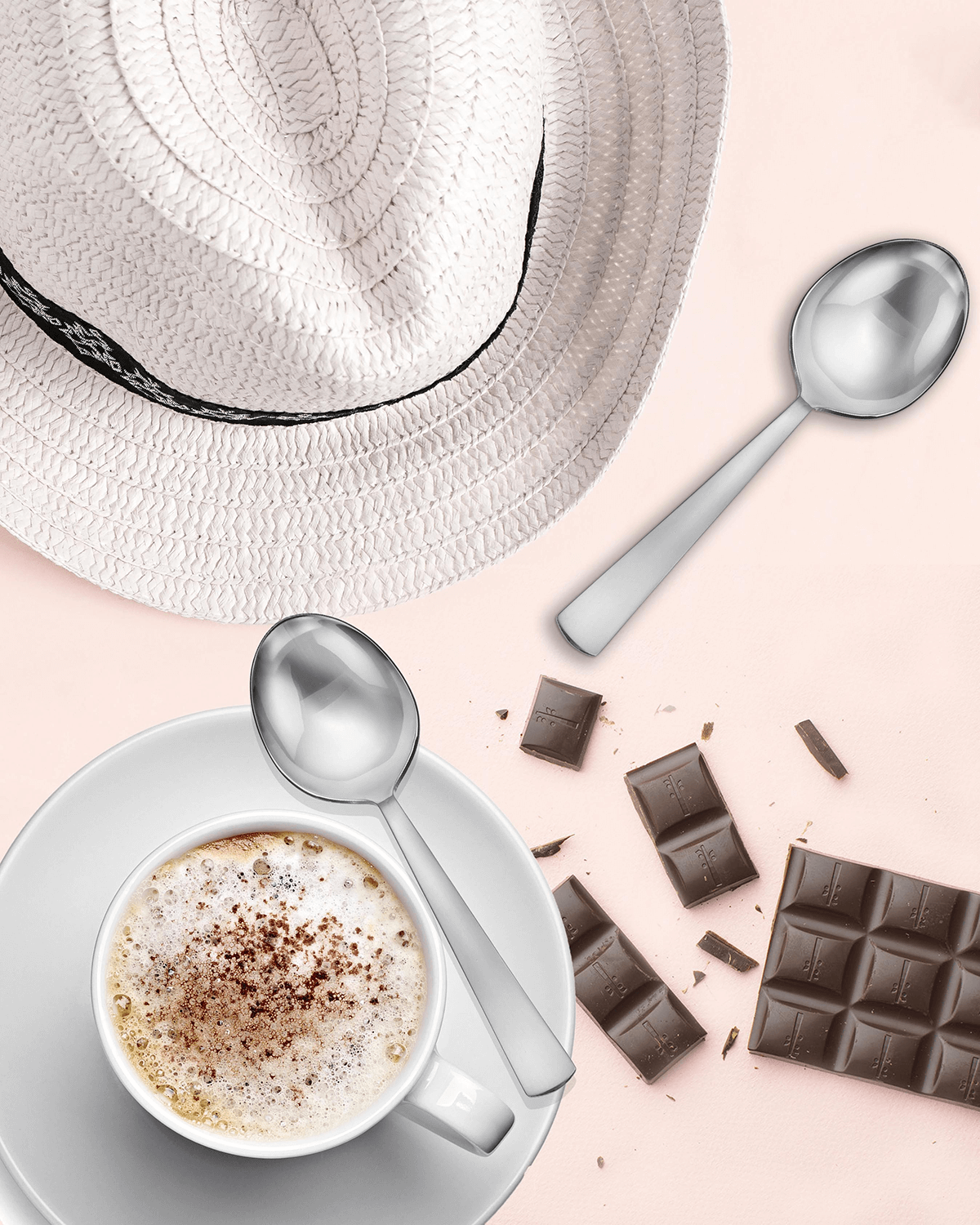
This composite image looks good enough to eat. This was a practice assignment for my digital retouching course.
-
Return to Portfolio
-

See Certifications
-
Cameron Cait Photography Gallery